
Your forms in your pocket, even without signal
The AltiusForms app connects to your instance and takes your forms into the field. Anything filled in offline is sent automatically once the network is back.
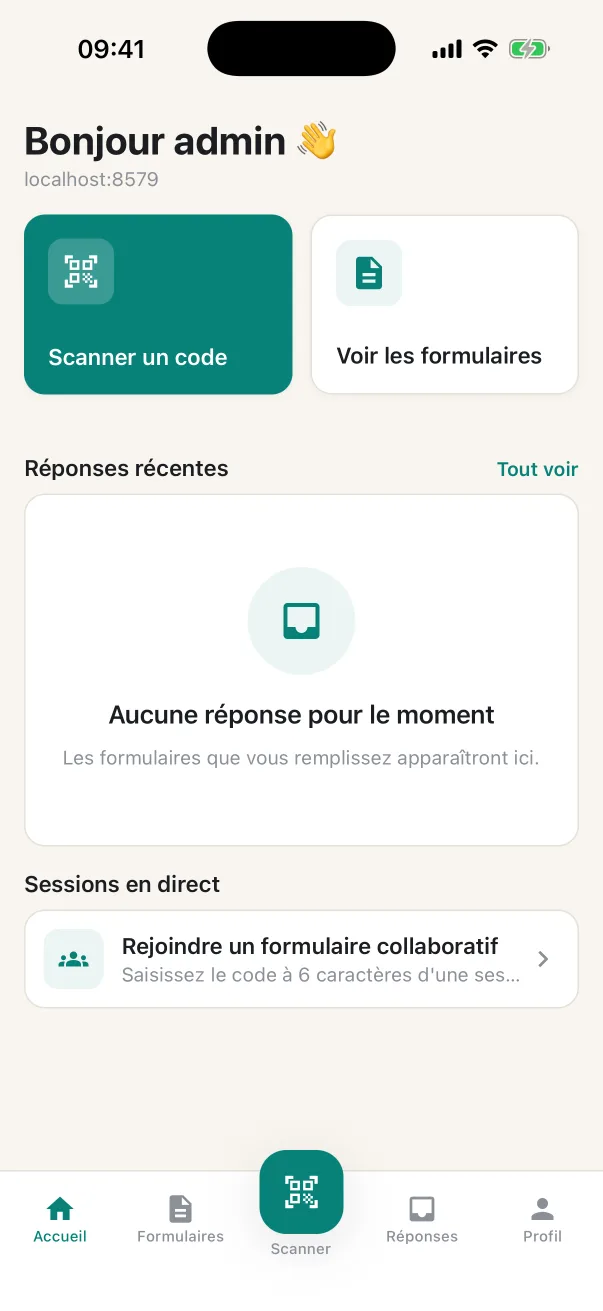
What the app does
Offline
Responses, photos and files are kept on the phone and sent as soon as possible. An indicator shows the connection status.
QR codes
A code stuck on a machine, a door or a poster opens the right form directly.
Shared sessions
Join a form being filled in together with its code, and watch the others progress.
Photo, video, sound
Captured directly in the form, without going through the gallery.
Location and maps
GPS location in one tap, areas drawn on the map, signature with a finger.
Secure sign-in
Credentials are kept in the phone's secure keychain; if the session expires, you sign in again without losing what you entered.
Connect to your instance
Install the app
From the App Store or Google Play, on phone or tablet.
Enter the address
Your instance's address, for example votre-nom.altiusforms.com, or scan a form's QR code.
Sign in
With your usual account, or fill in public forms without one.